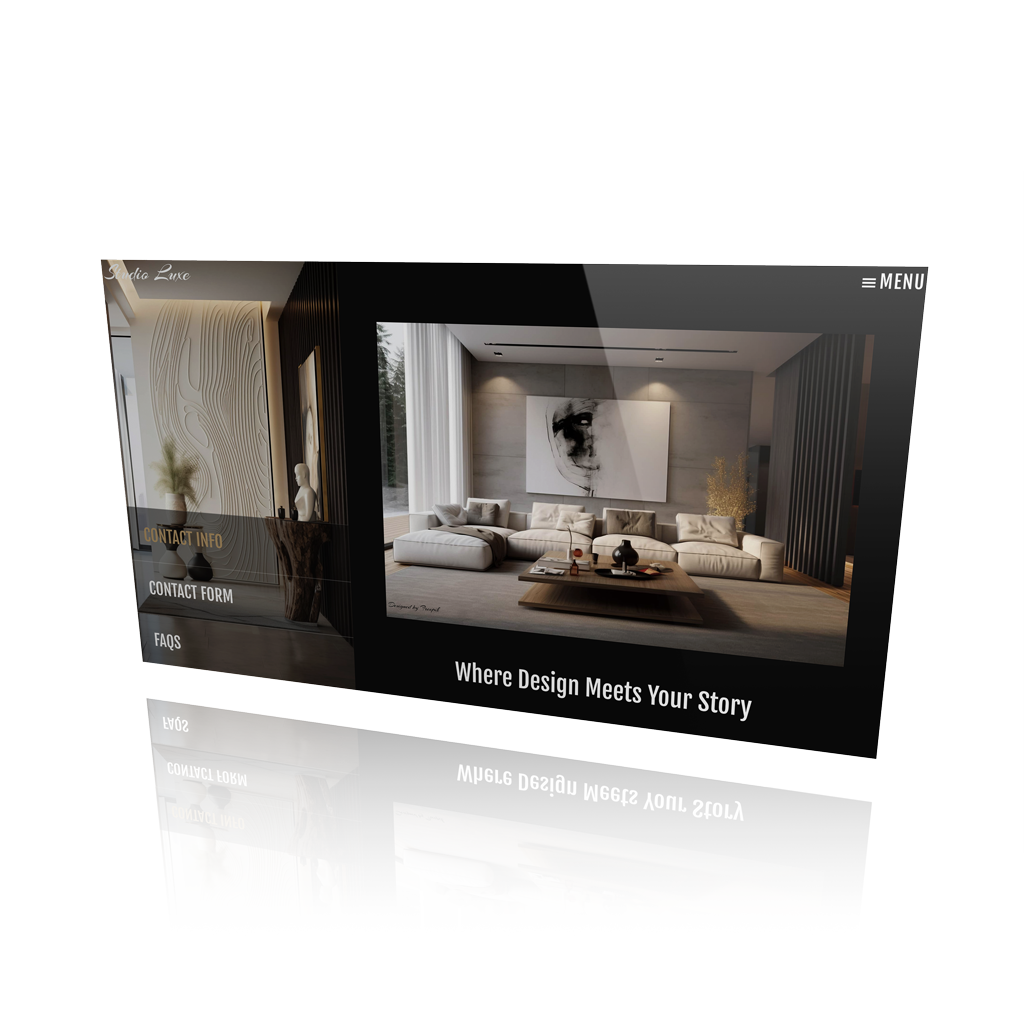

Headline, Calligraphy & Google Fonts
The use of typography as a principal design element in web design. Best fonts for web designers
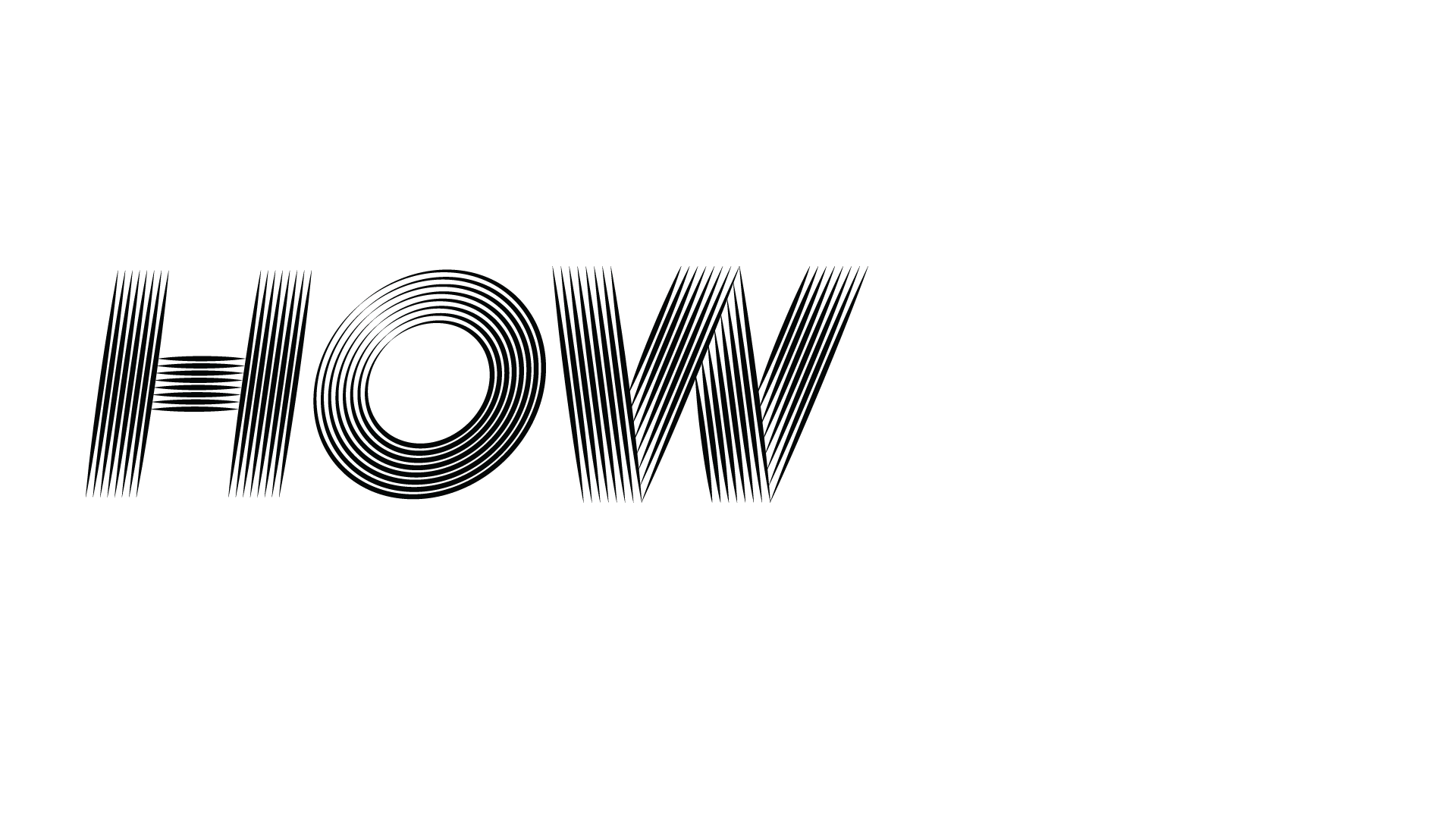
How to use Web Fonts
Web font embedding services, or embedding fonts using the @font-face rule. We’ll talk about it later

Best Fonts
A selection of complimentary typography for your web projects. Best fonts, best calligraphy fonts, best fonts for web designers
Best Fonts for Web Designers and Digital Projects
Typography that works as hard as your layout
Text or images? We all love a good image, but don’t underestimate the power of type. A well-placed headline or a beautifully styled block of text can grab attention just as easily. Want to create a wow effect? Try vertical alignment for dramatic scrolling, or mix your typography with outline boxes or subtle textures to make a statement (scroll down for examples, you’ll see what we mean).
Why Typography Matters: It’s more than picking a pretty font
Fonts do more than just deliver information, they set the tone. Typography plays a big role in web design, not just when you’re working with minimal visuals, but as a design feature in its own right. And like we always say: it’s not about picking great fonts, it’s about how you use them.
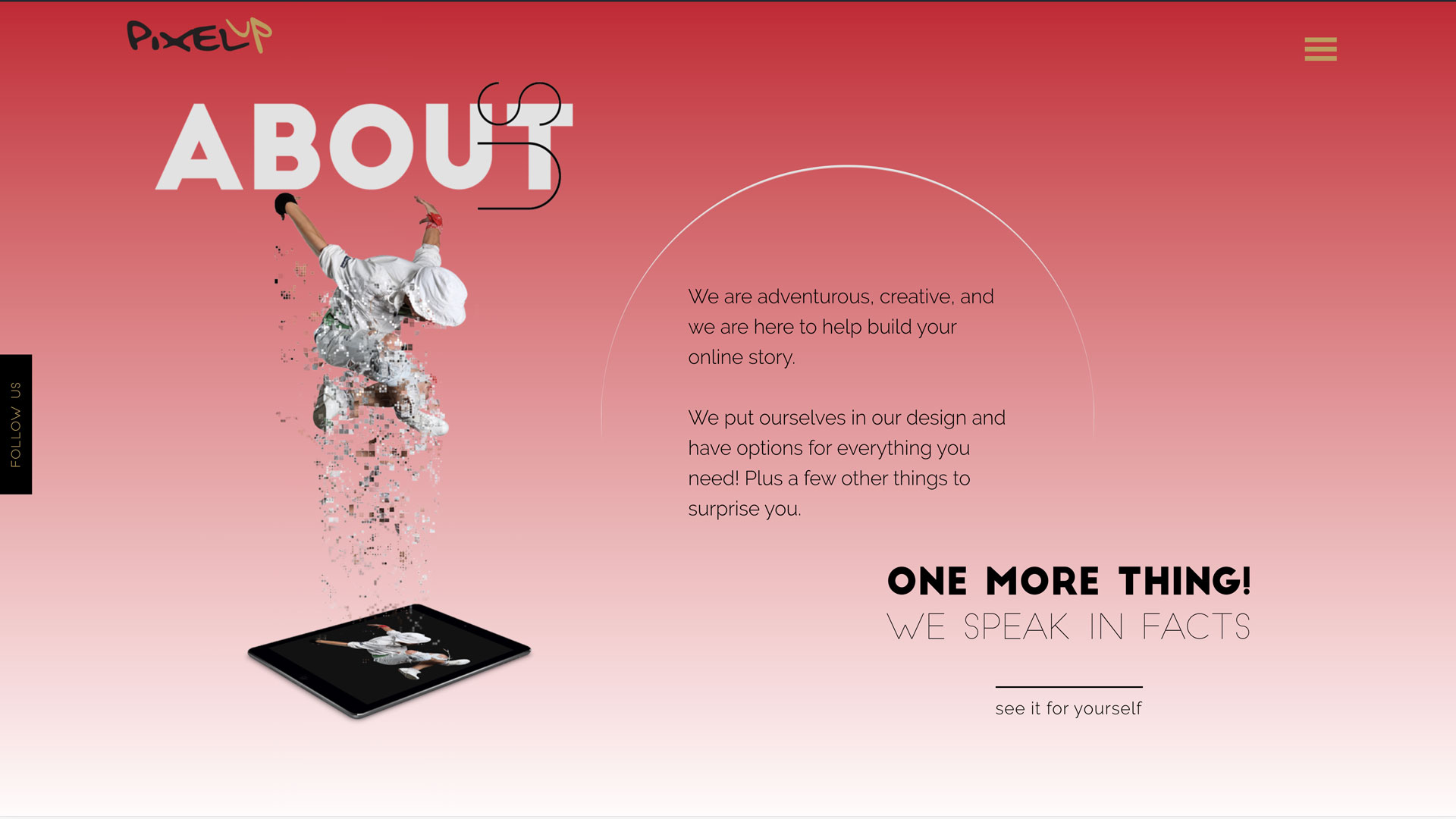
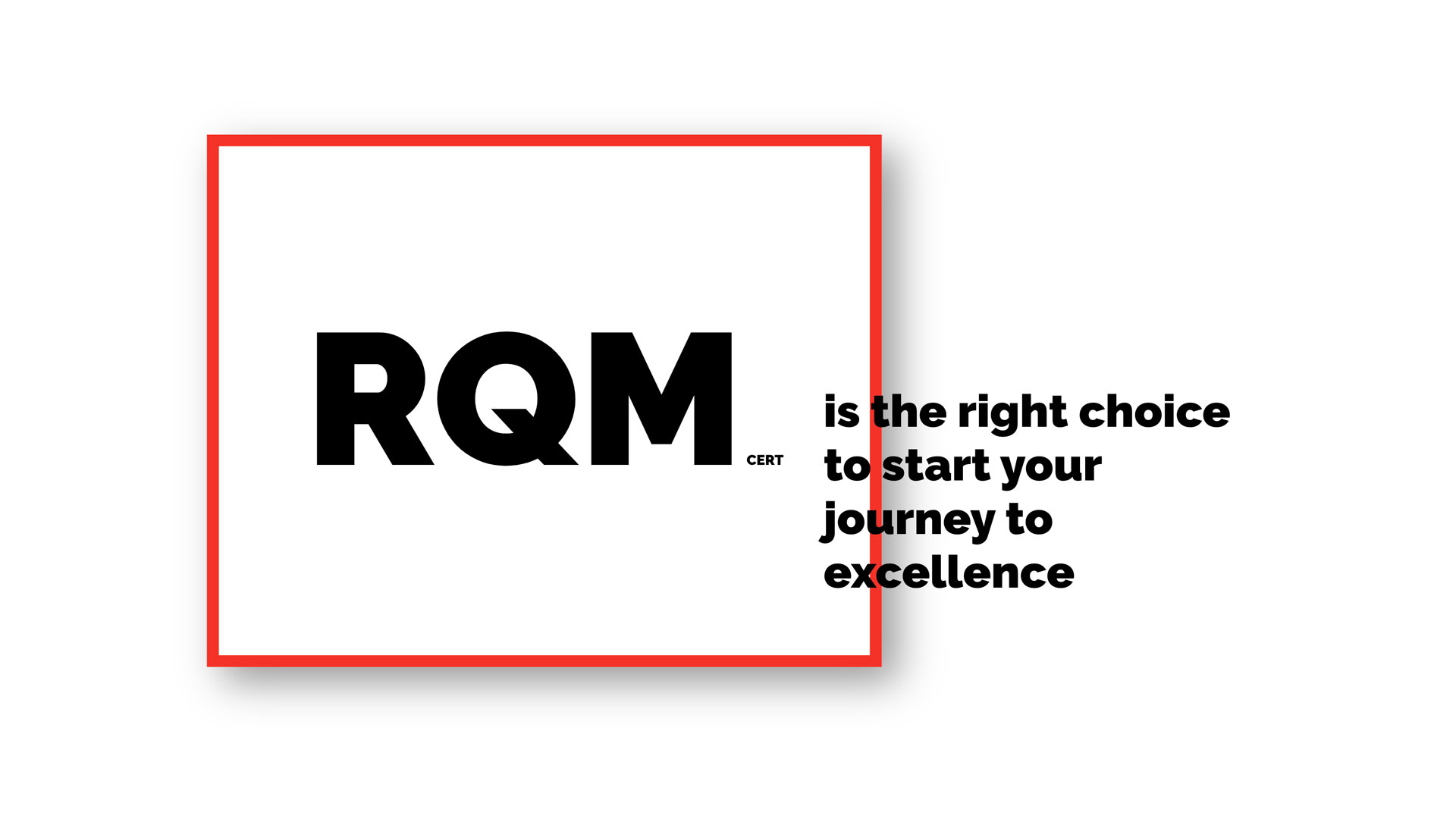
We love experimenting with type. If you’ve browsed our website or checked out our projects, you’ve probably noticed. In one of our client website, we layered bold, oversized headlines over images to let the typography take center stage. The result? A design that’s full of personality, even before you read a word.
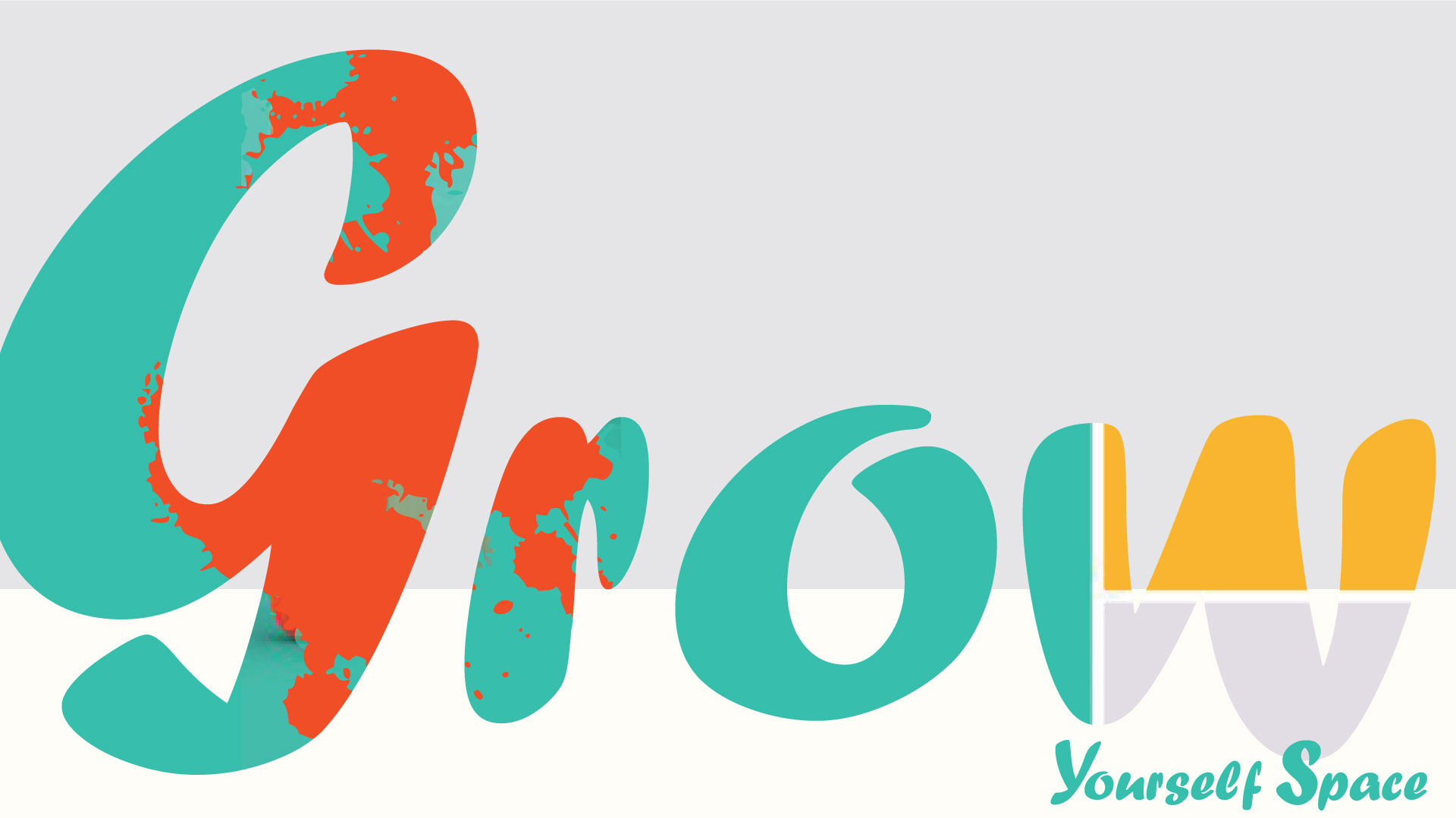
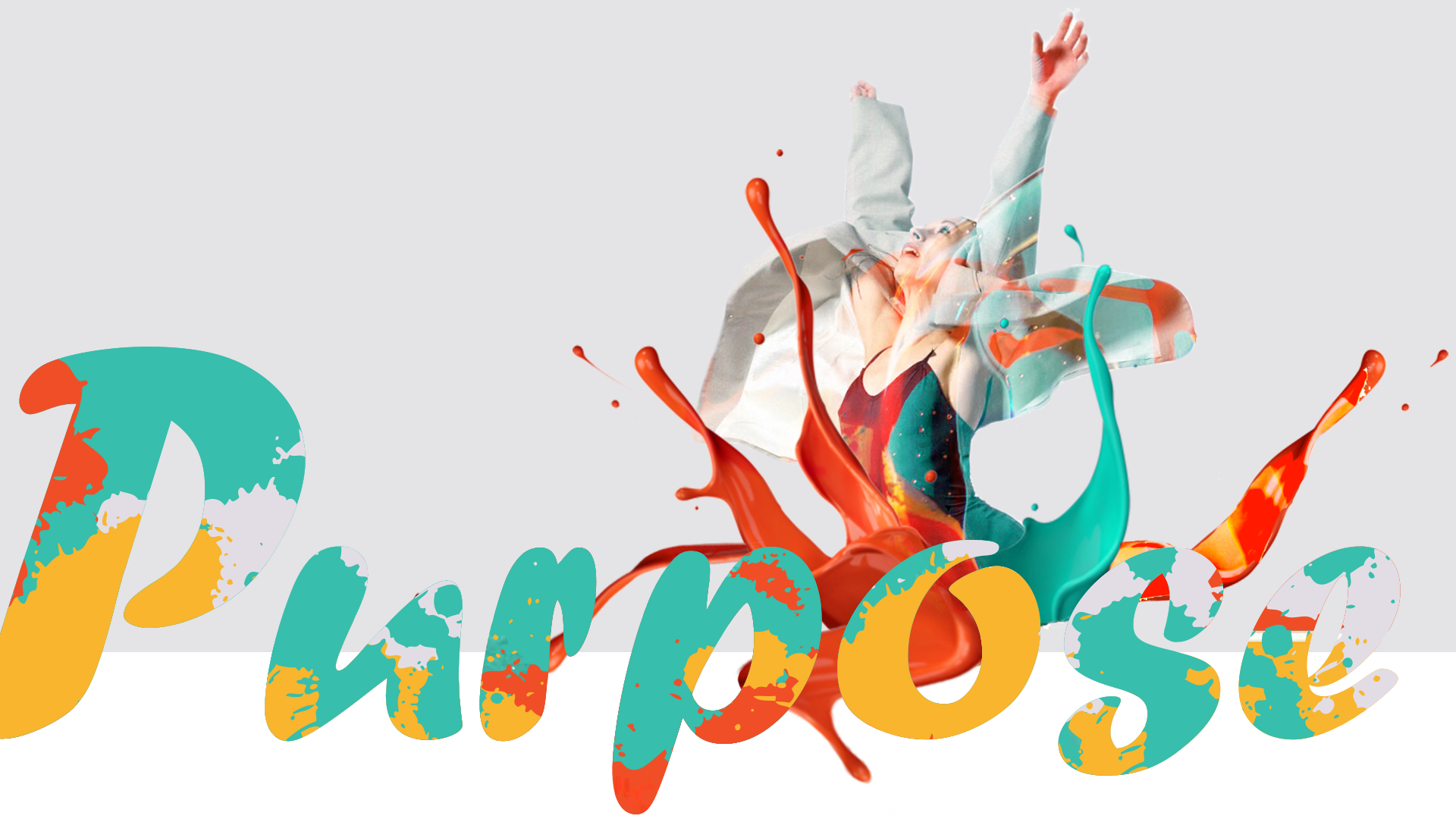

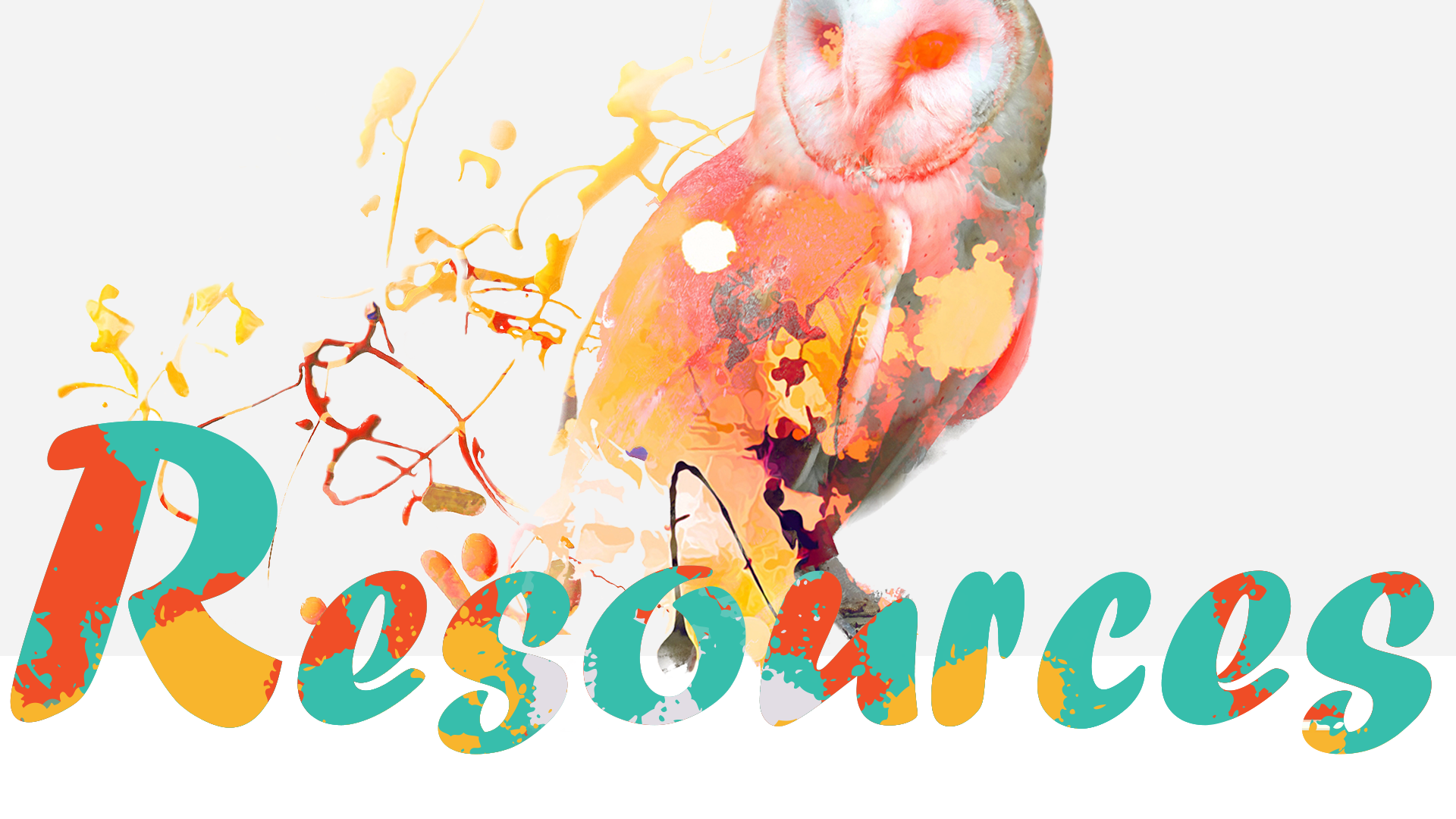
A curated list: fonts that work, free and flexible, perfect for web design
There are tons of free fonts out there, but not all are created equal. We’ve rounded up some of our favourite picks, fonts we actually use. These are selected for both style and usability, and many come in large families with plenty of weights and styles to work with. That gives you room to play and still keep your design consistent. Our go-to? Google Fonts. They’re free, versatile, and work great for both personal and commercial projects. Just a heads-up: you can use these fonts in your work, but you can’t sell the fonts themselves. Scroll down to check out:
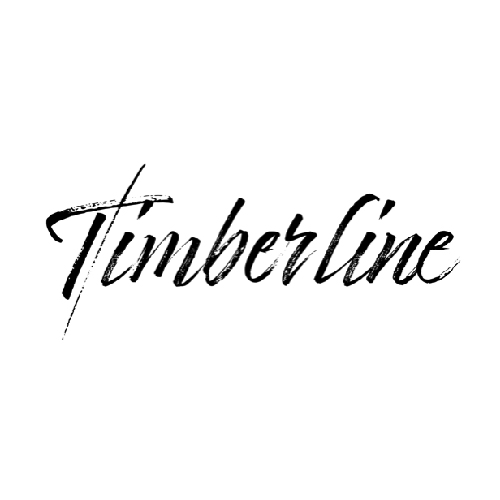
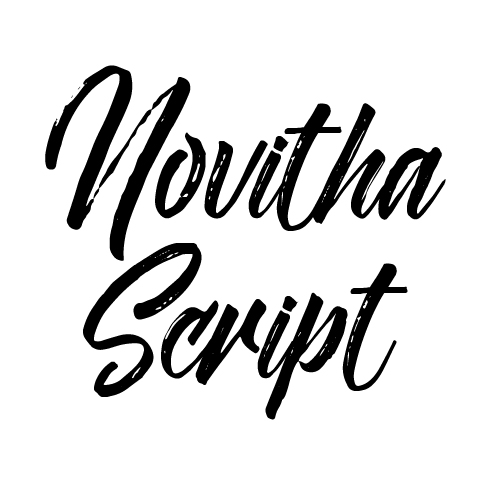
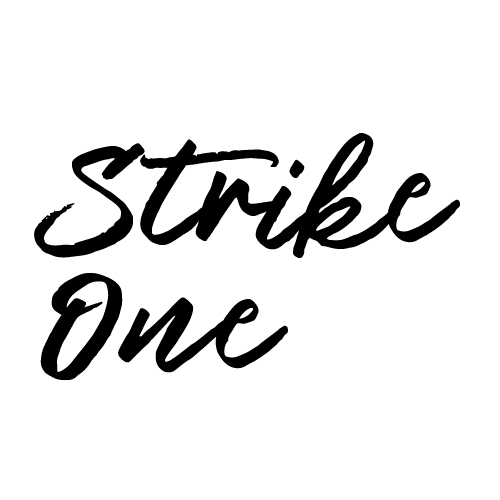
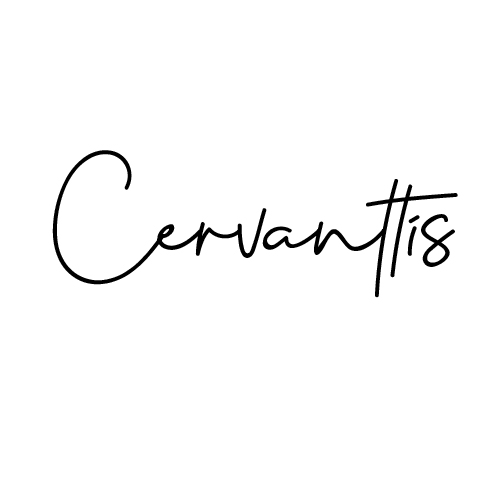
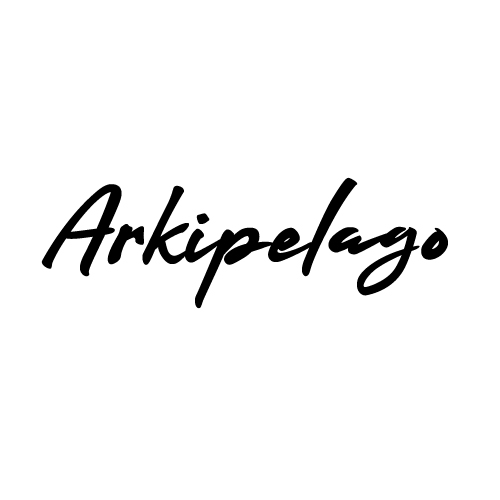
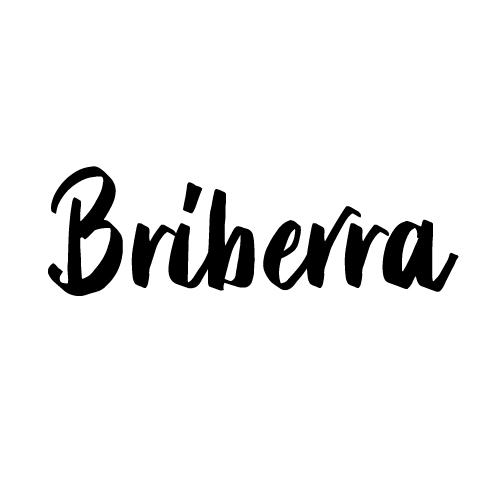
Calligraphy fonts for flair
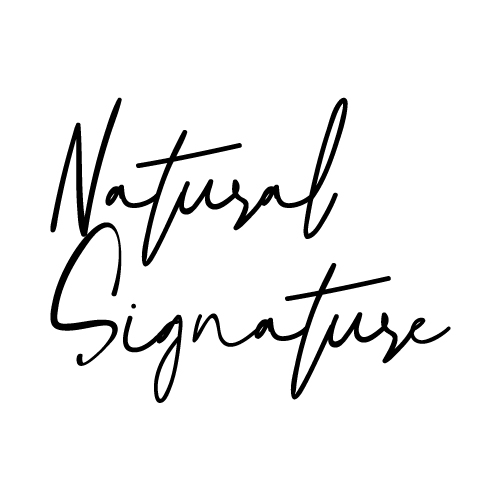

















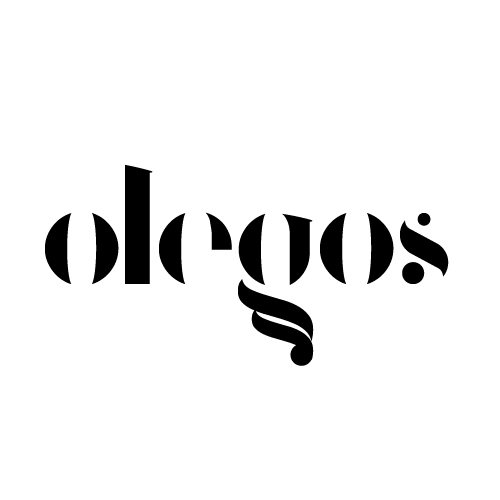
Headline fonts for impact
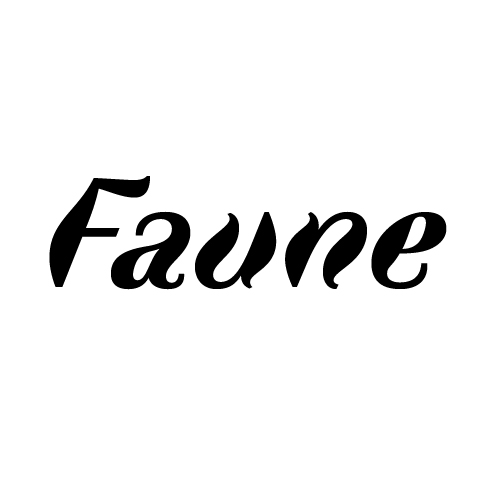


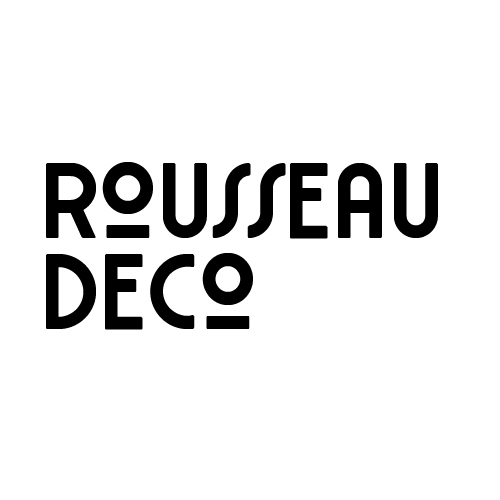
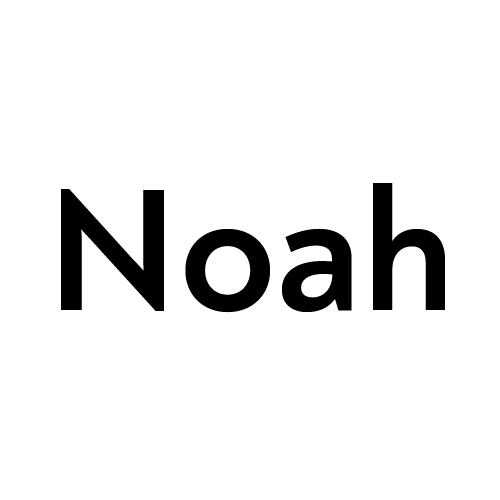


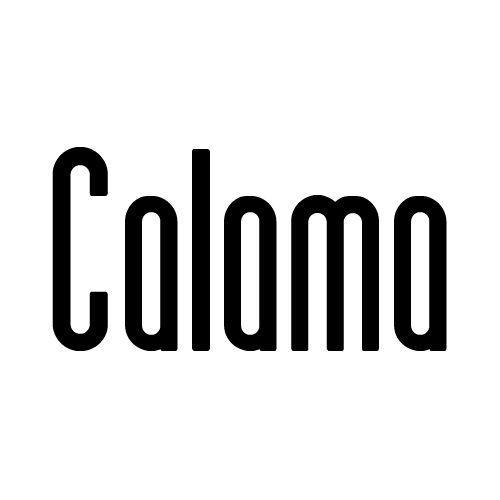

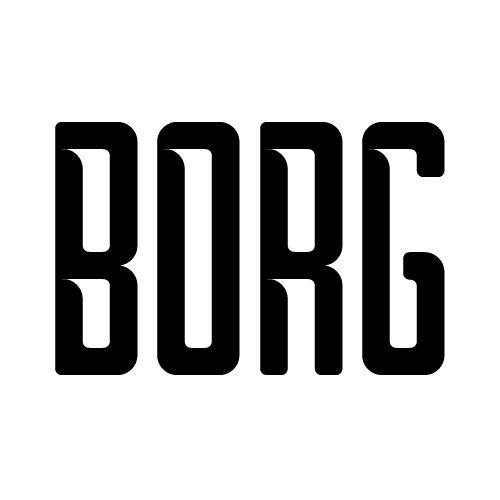




















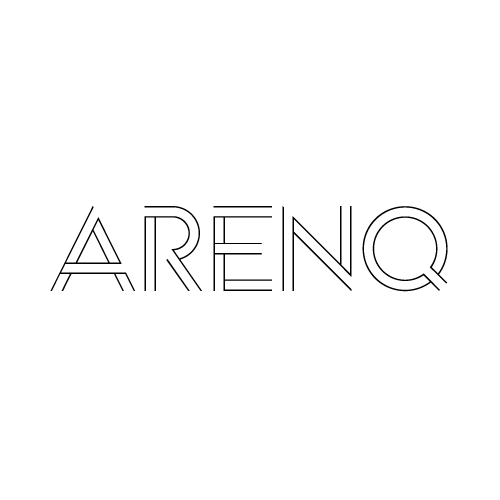

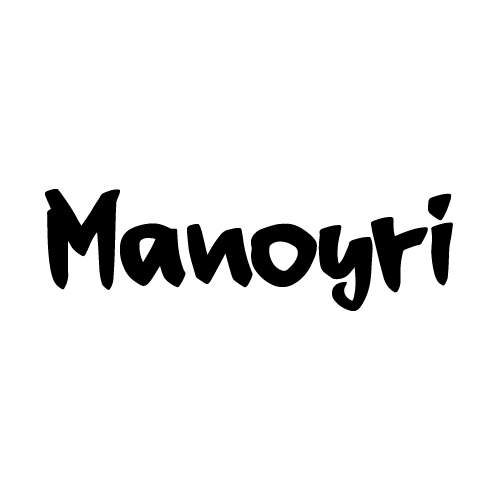


Google fonts for flexibility
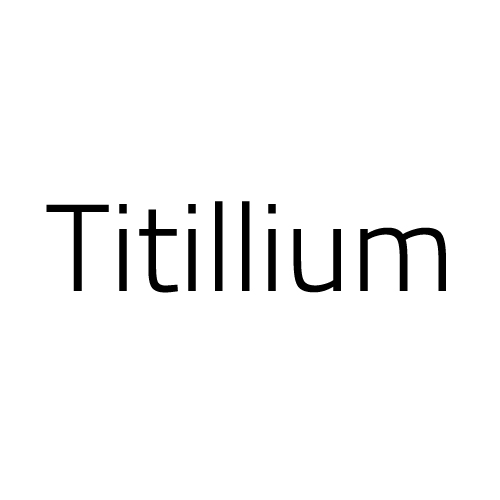




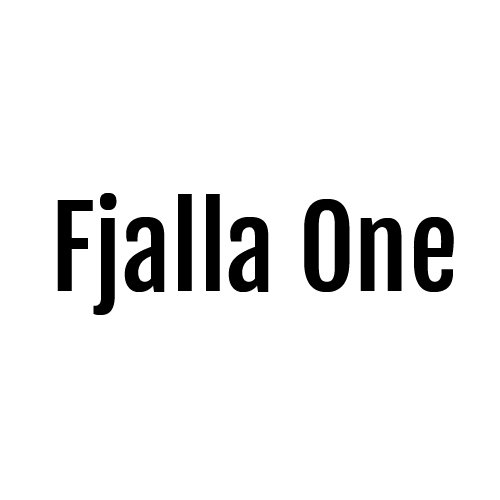


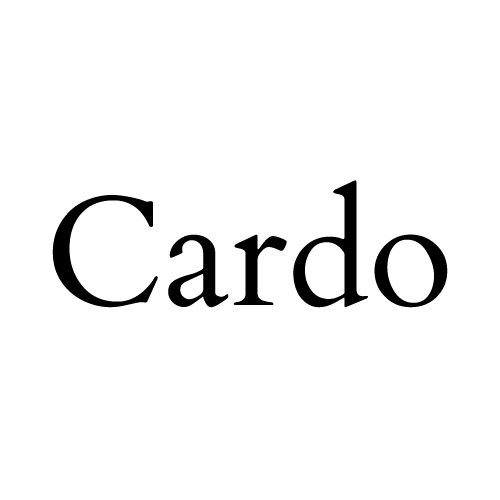
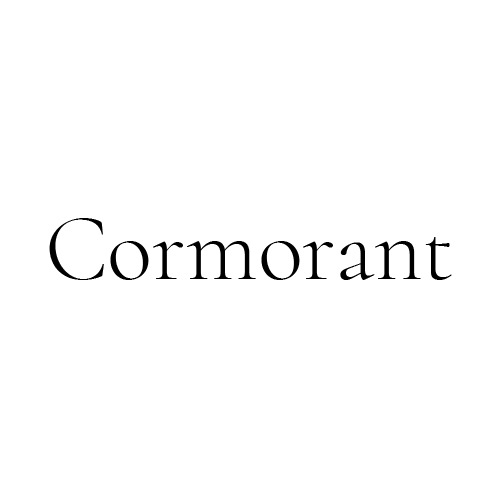





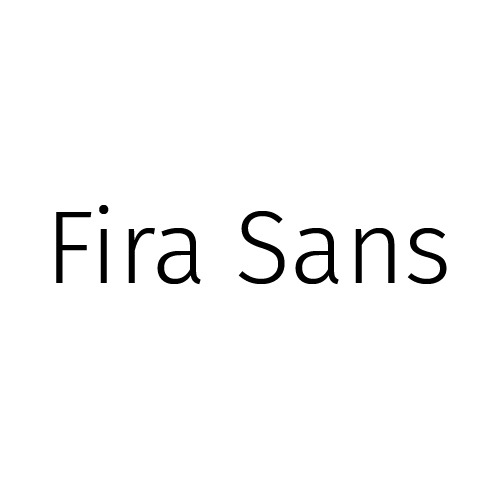



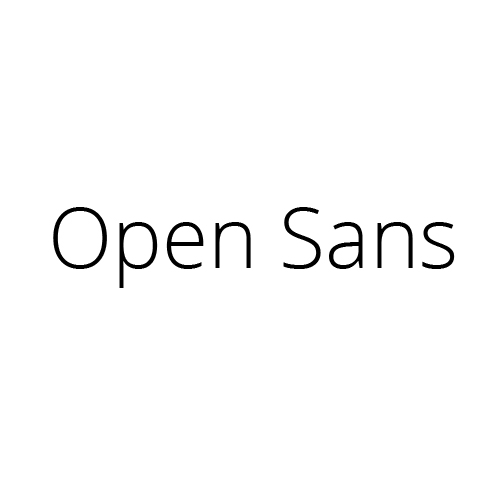

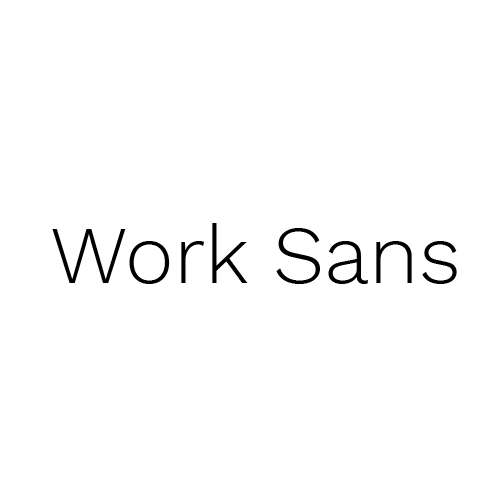

How to Use Web Fonts on Your Site
There’s more than one way to add fonts to your website, it all depends on your setup and comfort level.
Embed Google fonts
This is the easiest option, and it works right from the Google Fonts library. Just choose a font, hit embed, and copy the link into the <head> of your HTML. Or, if you’re working with WordPress, add the embed code to your theme’s header scripts.
Want a cleaner method? Enqueue it in your functions.php file.
Embed fonts using wp_enqueue method
//* Enqueue Google Fonts styles
add_action( 'wp_enqueue_scripts', 'google_fonts_enqueue_scripts_styles' );
function google_fonts_enqueue_scripts_styles() {

	wp_enqueue_style( 'yourtheme-google-fonts', '//fonts.googleapis.com/css2?family=Oswald:wght@200;300;400;469;500;600;700&display=swap', array(), CHILD_THEME_VERSION );
}
Once it’s loaded, style your elements using regular CSS:
h1 {
  font-family: 'MyWebFont';
}
Embed fonts using the @font-face rule
If you’ve downloaded a custom font (licensed for web use), you can host it on your own server and use the @font-face rule in your CSS. Here’s how: Convert your font files using Font Squirrel, Upload the web font files to your WordPress website (via FTP or File Manager, create a new fonts folder if you do not have one), Add the font via CSS right after /* Table of Contents, and Use it just like any other font in your stylesheet.
@font-face {
    font-family: 'MyWebFont';
    src: url('fonts/MyWebFont.eot'); /* IE9 Compat Modes */
    src: url('fonts/MyWebFont.eot?#iefix') format('embedded-opentype'),  /* IE6-IE8 */
         url('fonts/MyWebFont.woff2') format('woff2'),  /* Super Modern Browsers */
         url('fonts/MyWebFont.woff') format('woff'),  /* Pretty Modern Browsers */
	 url('fonts/MyWebFont.ttf')  format('truetype'),  /* Safari, Android, iOS */
         url('fonts/MyWebFont.svg#MyWebFont') format('svg');  /* Legacy iOS */
    font-weight: normal;
    font-style: normal;
}
A Final Thought: Typography should be fun, and functional
Whether you’re picking fonts for a bold headline, a readable paragraph, or a playful quote, the key is to make sure they serve your design. Don’t be afraid to experiment. Mix weights, play with scale, try stacking or layering, whatever fits your vibe. Fonts are one of the easiest ways to express your brand visually. So have fun with them. And if you find one you love? Let us know, we’re always adding to our favourites list.
Who says fonts can’t be fun?

Elena Chis
Related Posts

Comment Policy: Your words are your own, so be nice and helpful if you can. Please, only use your real name and limit the amount of links submitted in your comment. We accept clean XHTML in comments, but don't overdo it, please.
Leave a Reply
You must be logged in to post a comment.
Comments